
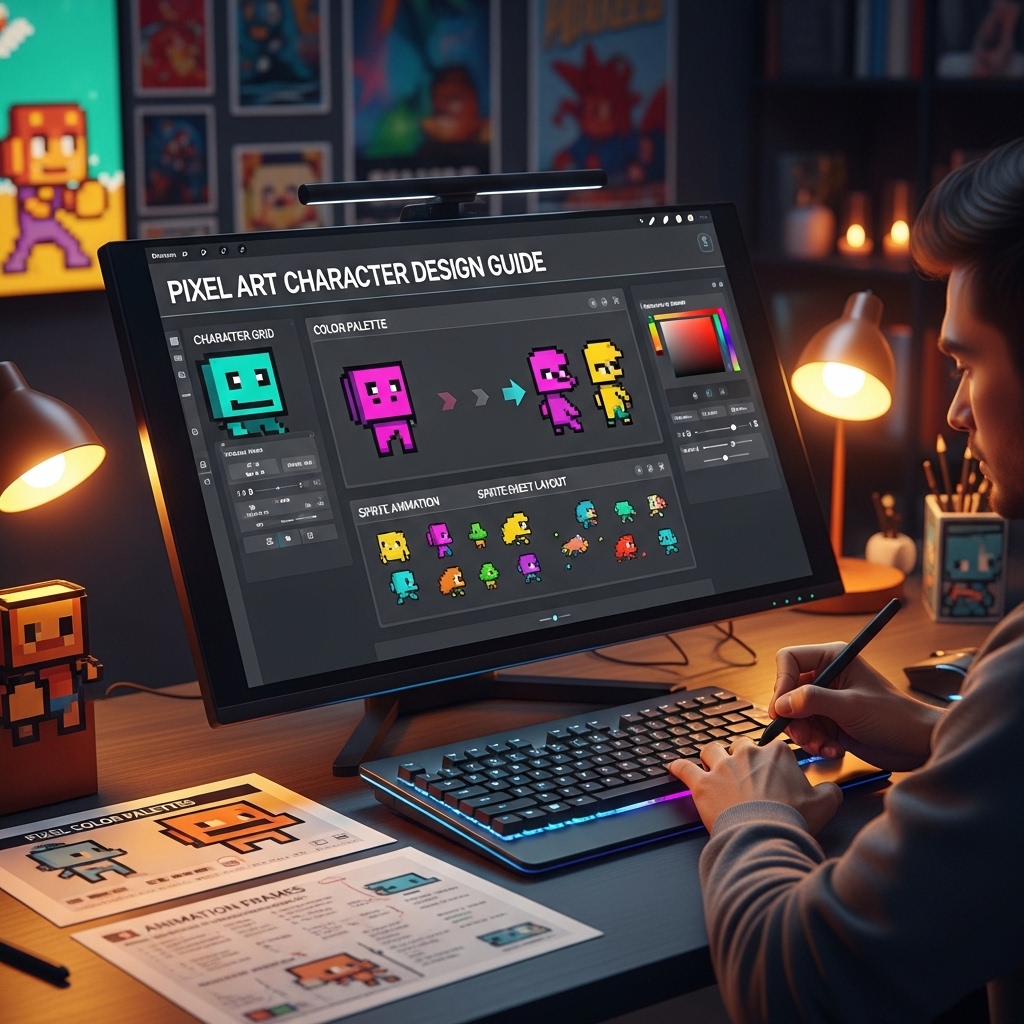
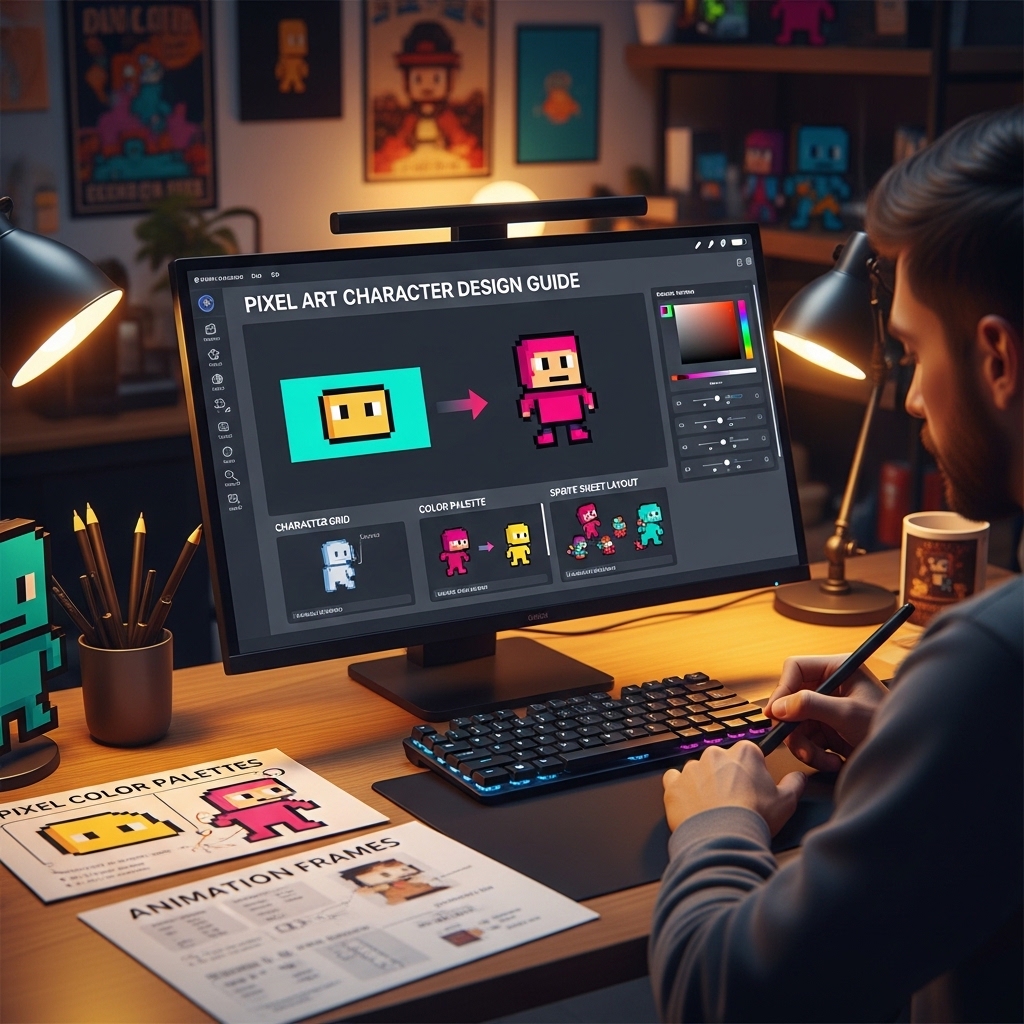
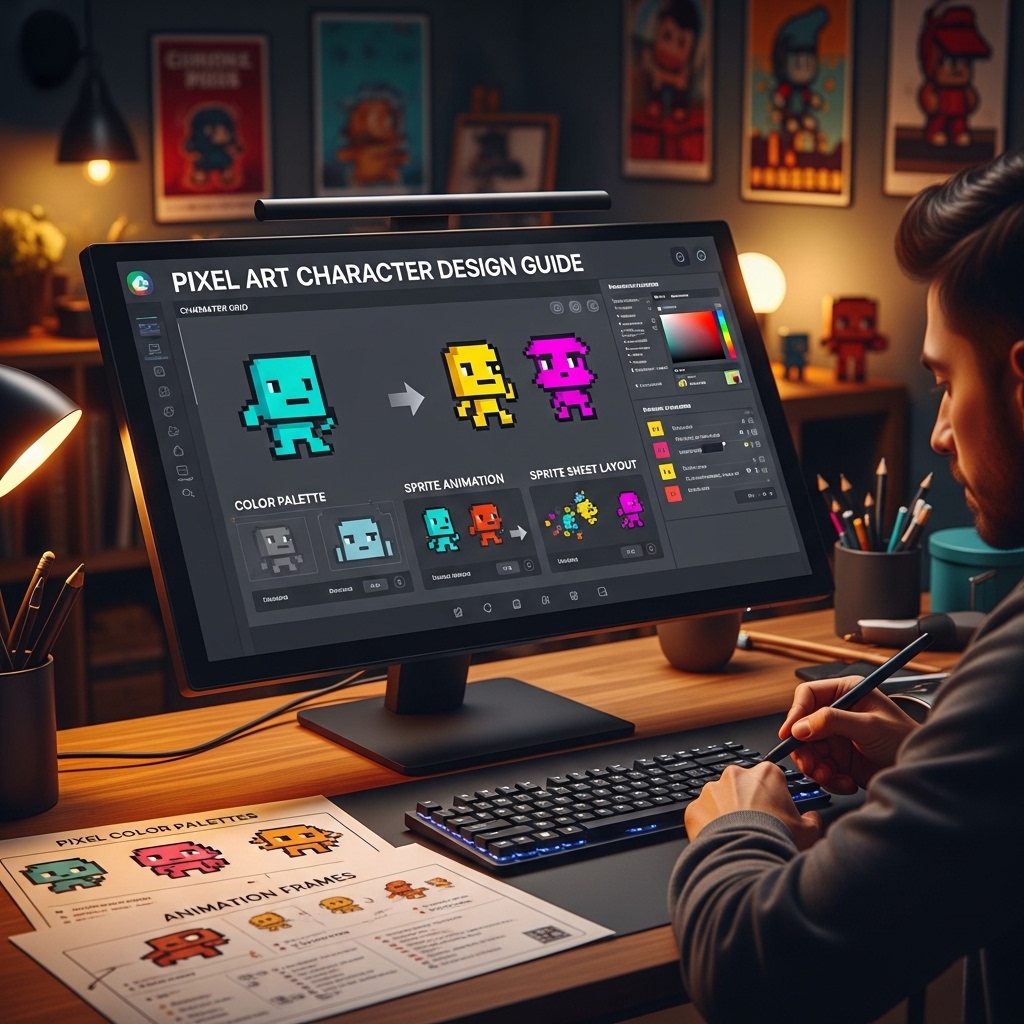
Pixel Art Character Design Guide
The Complete Technical and Creative System for Designing Readable, Expressive, and Technically Sound Pixel Art Characters
Every pixel is a decision.
Not in the motivational sense — in the literal, technical sense. A 16×16 character sprite contains 256 pixels. At a modest zoom level of 4x, each of those pixels is a 4×4 block of color on screen. There is no hiding anything. No smoothing it out. No anti-aliasing that saves a poorly placed pixel from being exactly as visible as the pixel next to it.
This constraint is pixel art’s greatest strength and its steepest learning curve. The medium that forgives nothing also rewards mastery with an expressive economy that no other visual art form achieves: a character recognizable and loved by millions, communicating personality, motion, and emotion through 256 deliberate decisions.
The Pixel Art Character Design Guide covers those decisions systematically — the resolution choices, the palette construction, the silhouette design, the animation principles, and the technical implementation considerations that turn a technically correct sprite into a character that players form genuine attachment to. 🎨
THE GUIDE — CHAPTER BY CHAPTER
CHAPTER 1: RESOLUTION AND SCALE DECISIONS
Choosing the Right Resolution for Your Character
The resolution decision is foundational — changing it after significant art production has occurred is expensive, and choosing the wrong resolution for the game’s intended visual style produces characters that feel wrong in their environment without the reason being immediately identifiable.
The resolution ladder: 8×8 (the extreme constraint — used for enemy types, projectiles, and UI elements; rarely sufficient for player characters), 16×16 (the classic arcade character size — enough for a readable silhouette and basic expression, insufficient for fine detail), 16×24 and 16×32 (the more humanoid proportions that allow separate head and body readable at small scale), 32×32 (the modern indie standard for action games — sufficient for expressive faces, readable animations, and costume detail), 48×48 and 64×64 (the large character size for games where the character is viewed closely and expression and detail are primary design values).
The guide covers the relationship between chosen resolution and game design implications: the zoom level the game needs to render the character at a comfortable screen size, the implication of different character resolutions on the game’s camera distance from the action, and the consistency requirements when mixing character resolutions in the same game.
The Canvas and Working Scale Setup
The working scale for pixel art (the canvas multiplier that allows the artist to place pixels precisely without zooming in and out constantly), the grid display setup, and the zoom level reference for evaluating work at intended output scale versus working scale. The configuration guide for Aseprite, Photoshop, and LibreSprite. 📐
CHAPTER 2: PALETTE DESIGN AND COLOR THEORY
Building a Character Palette
The constrained palette as a design discipline: the number of colors that produces a coherent, readable character versus the palette bloat that produces visual noise. The practical palette size targets by resolution: 4-6 colors for 16×16 characters, 8-12 for 32×32, up to 16-24 for large detailed characters.
The palette structure: each solid color represented by three to four values (the shadow value, the base/midtone value, the highlight value, and optionally a specular highlight for shiny surfaces). The value stepping between shadow and highlight — the difference too small versus too large, and the contrast range that reads clearly at game resolution.
The hue shifting technique: the shadow color shifted toward cooler or warmer hue rather than simply darkened — the technique that produces vibrant, natural-looking shading rather than the dull muddy result of pure value reduction. The hue shift direction conventions by material type (skin, cloth, metal, leather, magical energy). 🎨
The Skin Tone Spectrum
The palette construction approach for skin tones across the full human range: the warm undertones of lighter skin, the olive and neutral tones of medium skin, the red-to-warm brown range of darker brown skin, and the deep brown and blue-leaning deep tones of the darkest skin values. The hue and saturation relationship that produces skin that reads as skin at pixel scale rather than flesh-colored abstract shapes.
The Material Language
The palette and shading conventions for different surface types that give the character visual interest and tactile readability:
Cloth and fabric: The soft shading transition, the moderate specular, the crease shadow convention. Metal: The high contrast, the hard specular, the reflected environment color in the shadow. Leather: The low specular, the warm highlight, the texture convention for pixel scale. Skin: The smooth shading, the subsurface scatter convention at pixel scale (the warm red-pink in thin skin areas), the oil-free versus oily skin shading difference. Magical or glowing materials: The emissive glow convention — how a light-emitting material is represented in pixel art without access to bloom effects. 💡
CHAPTER 3: SILHOUETTE AND READABLE DESIGN
The Silhouette Test
The single most important quality check in character design at any resolution: the filled silhouette read. A character whose silhouette is instantly recognizable across fifty frames of animation is a well-designed character. A character whose silhouette at frame 12 is ambiguous or reads as something unintended is a design problem that no amount of interior detail resolves.
The silhouette design principles: the distinctive shape language for the character’s role (the hero, the enemy, the boss, the NPC — each readable by silhouette alone in any game with good character design), the asymmetry value (the asymmetric silhouette that communicates movement direction without requiring directional sprites), and the size hierarchy in multi-character scenes (the relative size relationships that communicate role and threat level without text labels).
The Readability Hierarchy Within the Sprite
The interior detail organization: the focal point of the character (where the player’s eye is drawn first — typically the face), the secondary interest area (the weapon, the distinctive costume element, the action indication), and the supporting detail (the rest of the costume and body, supporting the above without competing with it). The hierarchy that produces a character where the eye knows where to look in the fraction of a second the player has to process the sprite. 👁️
CHAPTER 4: ANIMATION PRINCIPLES FOR PIXEL ART
The Frame Budget Reality
Smooth pixel art animation requires fewer frames than artists expect — and more frames than developers want to produce. The frame budget analysis: the animation impression produced by 2-frame cycles (the walk cycle that conveys motion through bounce), 4-frame cycles (the standard for combat animations where reading is more important than smoothness), 6-8 frame cycles (the idle and celebration animations where smoothness is the priority), and the priority framework for distributing the frame budget across animation types.
The Anticipation and Follow-Through at Pixel Scale
The animation principles that apply to pixel art with specific technique modifications: the anticipation frame (the single frame before a major action that sets up the physics), the squash and stretch at pixel scale (the technique for implying elasticity without distorting a low-resolution sprite beyond readability), and the follow-through for hair, capes, and accessories (the secondary motion that communicates weight and material without requiring simulation).
The Walk and Run Cycle Breakdown
The pixel art walk cycle from first principles: the contact frames, the passing frames, the down frames, the up frames, and the 4-frame versus 8-frame cycle design trade-offs. The run cycle as a distinct animation rather than an accelerated walk — the specific mechanical differences between walking and running physics and their pixel art representation.
The Combat Animation Language
The attack animation structure: the wind-up (the anticipation), the strike frame (the single frame where the action is most read-clearly — the frame the player sees for only a moment but remembers as the attack), the follow-through, and the recovery. The hit reaction animation for receiving damage. The death animation — the sequence that communicates defeat clearly while fitting the game’s tonal contract with the player. ⚔️
CHAPTER 5: TECHNICAL IMPLEMENTATION
The Sprite Sheet Organization
The sprite sheet layout approaches and their engine compatibility implications: the horizontal strip (every frame in a row, same size, the simplest format), the packed atlas (maximum texture efficiency, requires metadata for frame sizes), and the organized grid (frames organized by animation type, a compromise between efficiency and human readability). The padding and spacing requirements for different rendering engines (the 1-pixel padding requirement that prevents texture bleeding at certain zoom levels).
The Texture Settings for Pixel-Perfect Rendering
The settings that make pixel art look like pixel art in-engine rather than a blurry approximation of pixel art: the filtering mode (Point/Nearest Neighbor — not Bilinear, not Trilinear, not Anisotropic), the compression settings that preserve color fidelity for art with clean color edges, and the import settings for Unity, Godot, and GameMaker that produce pixel-perfect rendering at all display resolutions. The settings that are default-wrong for pixel art in every major engine and need to be corrected before a sprite is ever placed in a scene. 🖥️
📂 COMPLETE FILE LIST
🎨 Complete guide PDF (A4 and US Letter, full color, extensively illustrated throughout) | 📐 Character resolution reference sheet — all common sizes at game scale (PDF) | 🖌️ Skin tone palette starter library — 12 complete skin tone sets (PNG palette files) | 💡 Material shading reference — 8 surface types with palette examples (PDF) | 📋 Animation frame planning worksheet (editable) | ⚙️ Engine texture settings guide — Unity, Godot, GameMaker (PDF) | 🔲 Sprite sheet template pack — horizontal strip and organized grid formats (PNG templates)
100% digital. Instant download. Every pixel a decision. This guide makes the decisions systematic.
Reviews
There are no reviews yet.